Overrides: Datapoint Range
Remove (Hide) datapoint range with multiple options.
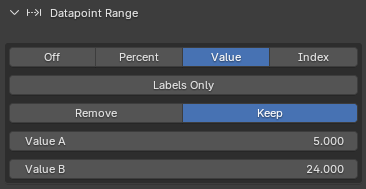
Datapoint range override.
Note
This hides Datapoints and Labels, but it does not recalculate the set totals.
Components
Usage Examples
Hide a range of Datapoints
Apply the preset:
Full/00_Default/00_Default/00_Default
Navigate to Chart Setup/Overrides/Datapoint Range.
Set Menu: Range Type to Value.
Set Switch: Remove|Keep to Keep.
Set Float: Value Slider A to 20.
Set Float: Value Slider B to 40.
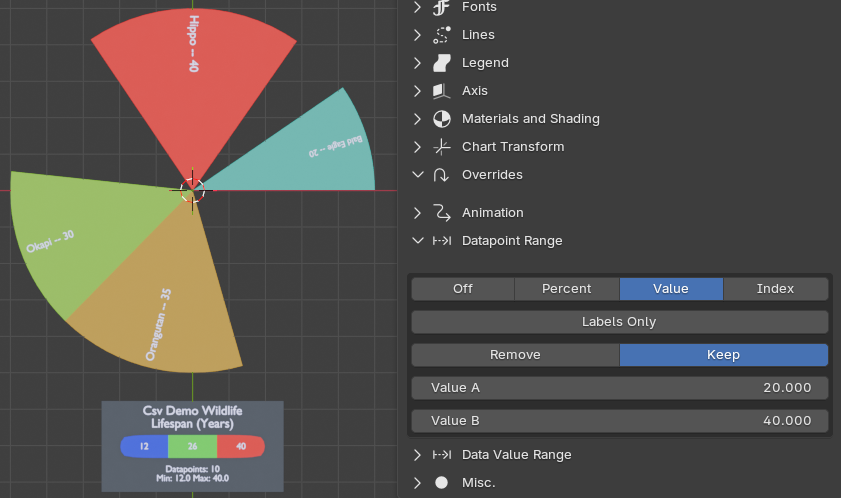
Hidden Datapoint Objects.
All Datapoints with values between 20 and 40 are kept, the rest are hidden.